

Wait! Don’t Go Yet! 👋
Become a Member Today and Unlock Access to All eBooks! 😍
Thousands of eBooks at your fingertips. Read, learn, and grow anytime, anywhere ✨
Become a Member Today and Unlock Access to All eBooks! 😍
Thousands of eBooks at your fingertips. Read, learn, and grow anytime, anywhere ✨
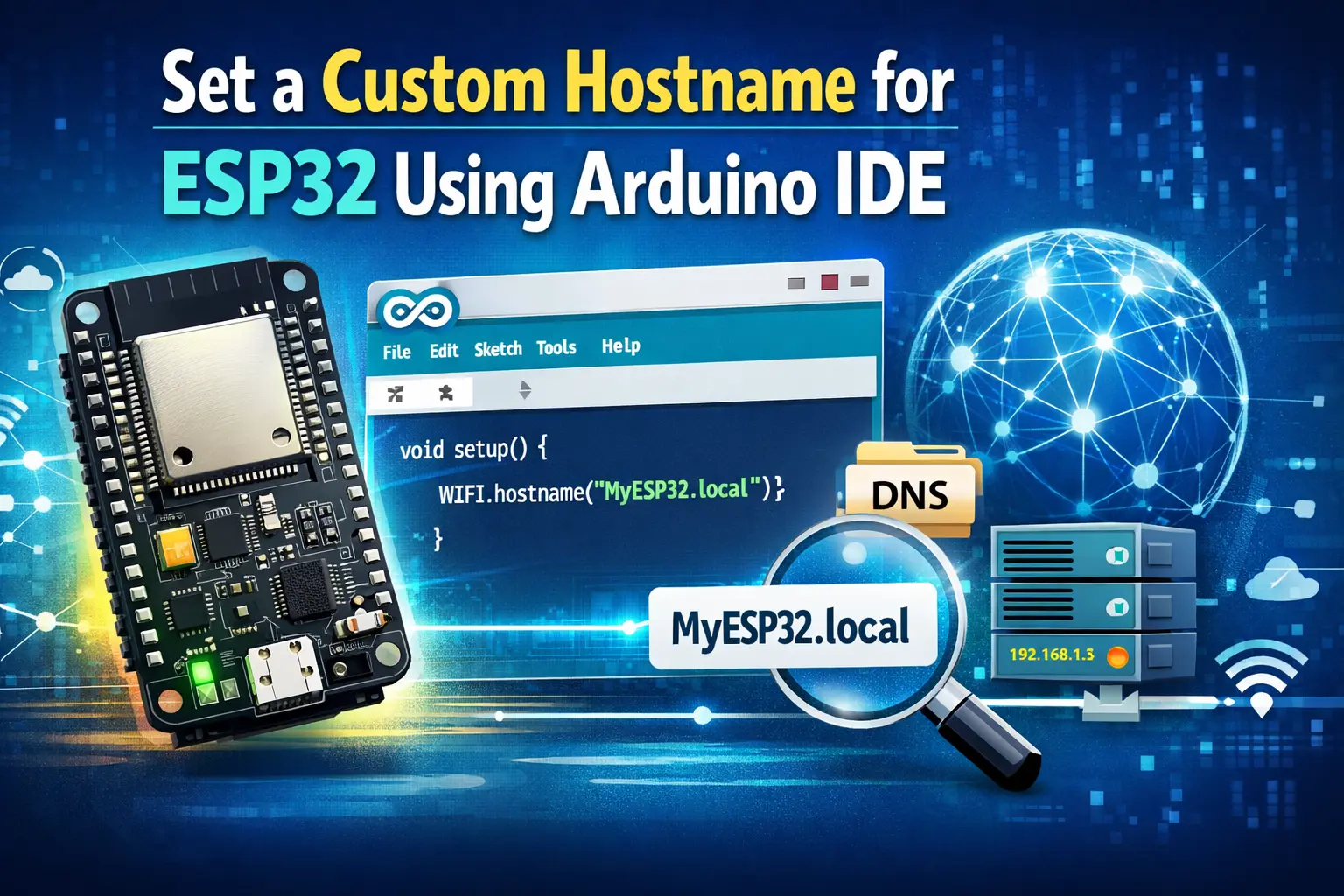
The ESP32's default hostname is espressif. In this article, you'll learn how to Setting a custom hostname for ESP32 using Arduino IDE.
To set a custom hostname for your board, call WiFi.setHostname(YOUR_NEW_HOSTNAME); before WiFi.begin();
espressif is ESP32's default hostname.

A method provided by the WiFi.h library enables you to set a custom hostname.
First, start by defining your new hostname. For example:
const char* hostname = "esp32-node-temperature";Then, call the WiFi.setHostname() function before calling WiFi.begin(). You also need to call WiFi.config() as shown below:
WiFi.config(INADDR_NONE, INADDR_NONE, INADDR_NONE, INADDR_NONE);
WiFi.setHostname(hostname.c_str()); //define hostname
Top 6
ESP32 eBooks
From Zero to Professional

You can copy the complete example below (don’t forget to insert your network credentials):
/*
  Ebokify
  Complete project details at https://ebokify.com/set-a-custom-hostname-for-esp32-using-arduino-ide/

  Permission is hereby granted, free of charge, to any person obtaining a copy
  of this software and associated documentation files.

  The above copyright notice and this permission notice shall be included in all
  copies or substantial portions of the Software.
*/

#include <WiFi.h>

// Replace with your network credentials (STATION)
const char* ssid = "REPLACE_WITH_YOUR_SSID";
const char* password = "REPLACE_WITH_YOUR_PASSWORD";

String hostname = "ESP32 Node Temperature";

void initWiFi() {
  WiFi.mode(WIFI_STA);
  WiFi.config(INADDR_NONE, INADDR_NONE, INADDR_NONE, INADDR_NONE);
  WiFi.setHostname(hostname.c_str()); //define hostname
  //wifi_station_set_hostname( hostname.c_str() );
  WiFi.begin(ssid, password);
  Serial.print("Connecting to WiFi ..");
  while (WiFi.status() != WL_CONNECTED) {
    Serial.print('.');
    delay(1000);
  }
  Serial.println(WiFi.localIP());
}

void setup() {
  Serial.begin(115200);
  initWiFi();
  Serial.print("RRSI: ");
  Serial.println(WiFi.RSSI());
}

void loop() {
  // put your main code here, to run repeatedly:
}
You can use this previous snippet of code in your projects to set a custom hostname for the ESP32. On the Serial Monitor, you should get the new ESP32 hostname.
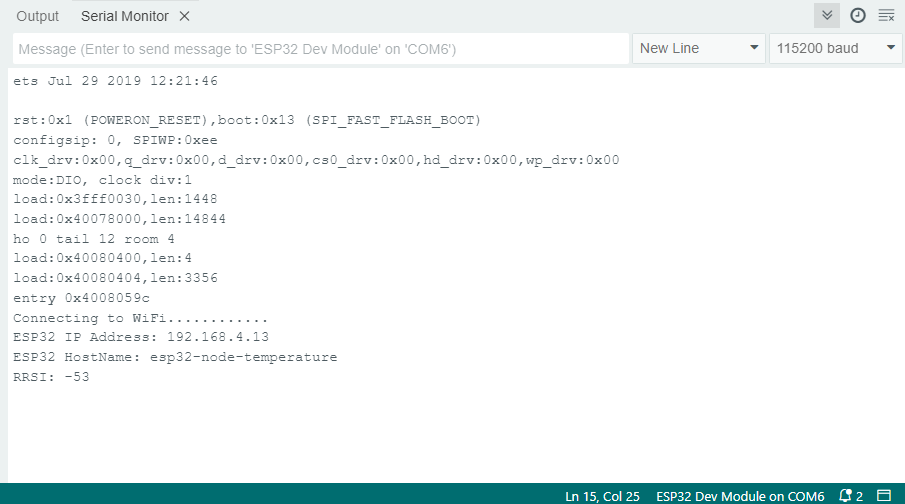
Important: For the changes to take effect, you may need to restart your router.
After that, you may see the ESP32 with the custom hostname if you go to your router's settings.

Learn how to set up a custom hostname for your ESP32 in this article. To quickly identify the devices connected to your network, this might be useful. For example, if multiple boards are connected at once, a custom hostname will make it simpler to identify them.
If you like ESP32, you may also like:
We hope you find this tutorial useful. Thanks for reading.
🚀 Discover the world of electronics and innovation!
✨ Create, program, and experiment with all your creative ideas with ease.
🔥 Don't wait! Browse SpotPear products now and start your amazing project!