

Wait! Don’t Go Yet! 👋
Become a Member Today and Unlock Access to All eBooks! 😍
Thousands of eBooks at your fingertips. Read, learn, and grow anytime, anywhere ✨
Become a Member Today and Unlock Access to All eBooks! 😍
Thousands of eBooks at your fingertips. Read, learn, and grow anytime, anywhere ✨
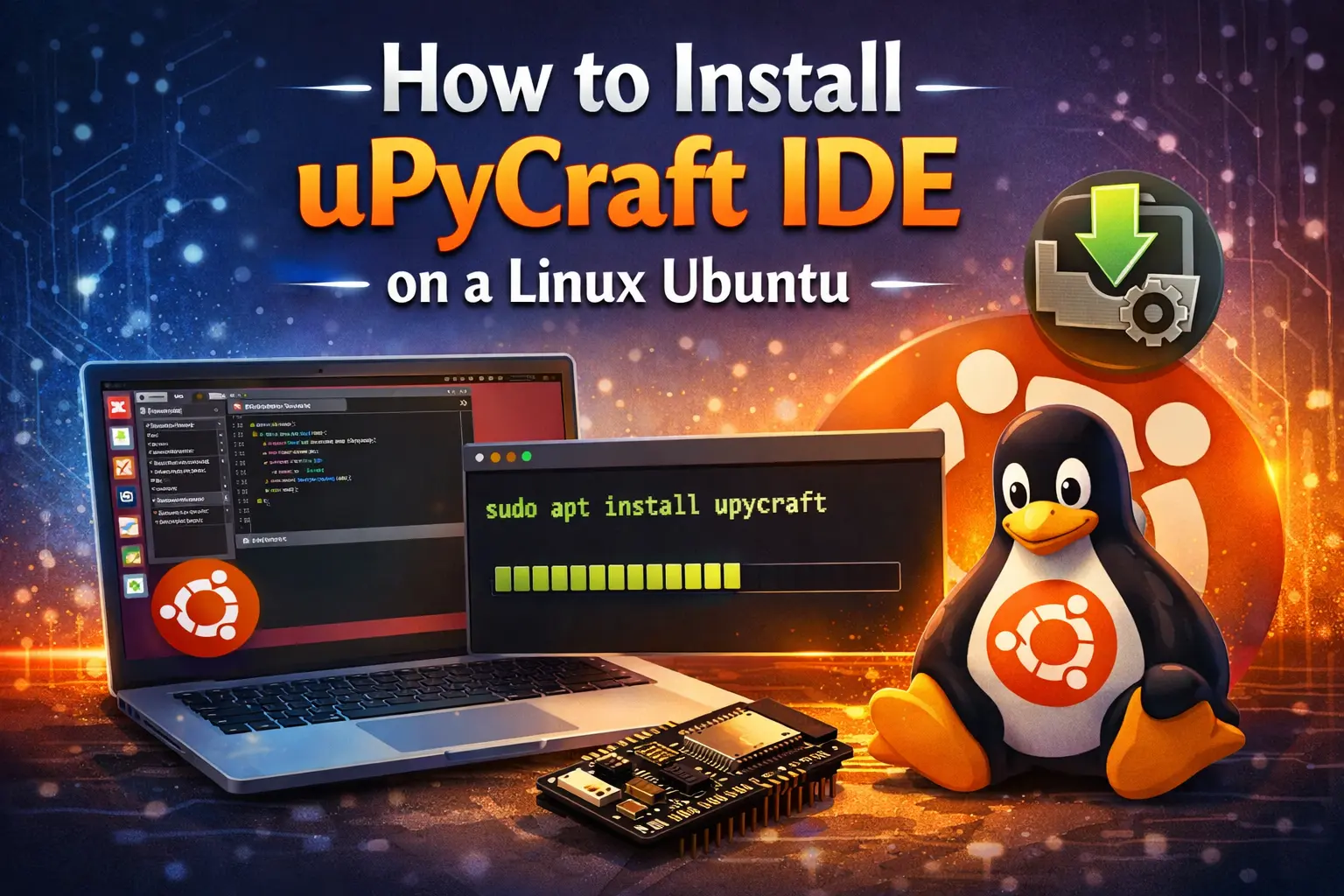
There are different firmware that you can use to program the ESP32 and ESP8266 devices. If you wish to program the ESP32 or ESP8266 board using the MicroPython firmware, we suggest using uPyCraft IDE. uPyCraft IDE runs on every major operating system. In this tutorial, we’ll show you how to install uPyCraft IDE on a Linux Ubuntu 16.04.
If you’re using a different operating system, make sure you follow the right guide:
After installing uPyCraft IDE on your PC, we recommend reading: Getting Started with MicroPython on ESP32 and ESP8266.
Before Python 3.X is set up on your PC, install the uPyCraft IDE. Follow the next instructions to install Python 3.X if you don't. To install Python 3 with pip, use the following command:
$ sudo apt install python3 python3-pip
The ESP32 or ESP8266 boards will be programmed for this tutorial using the MicroPython firmware and the uPyCraft IDE. In our view, the uPyCraft IDE was the simplest way to program ESP-based boards with MicroPython at the time.
Top 6
ESP32 eBooks
From Zero to Professional

You can learn more about uPyCraft IDE on their GitHub repository or explore the uPyCraft IDE source code.
Important: At the time of writing this guide, uPyCraft IDE was only tested on Linux Ubuntu 16.04. If you want to run it on a different Ubuntu version or Linux distribution, we recommend using uPyCraft IDE source code and compiling the software yourself.
Click here to download uPyCraft IDE for Linux Ubuntu 16.04 After a few seconds, you should see a similar file (uPyCraft linux V1.0.zip) in your Downloads folder:
Open your Terminal window, navigate to your Downloads folder, and list all the files:
$ cd Downloads
$ ls -l
  uPyCraft_linux_V1.X
You should see a new file called (uPyCraft_linux_V1.0) after unzipping (uPyCraft linux V1.0.zip). You need to make that file executable with the following command:
$ chmod +x uPyCraft_linux_V1.XThen, to open/run the uPyCraft IDE software, type the next command:
$ ./uPyCraft_linux_V1.X
We'll be programming our ESP-based boards as well as flashing them with MicroPython firmware using this software.

Follow the next tutorial to flash your ESP boards with the MicroPython firmware:
Top 6
Arduino eBooks
From Zero to Professional
This tutorial should be helpful to you, we hope. This quick tutorial shows you how to install uPyCraft IDE on a Linux Ubuntu. Read one of the following guidelines if you have a different operating system:
If you like ESP8266, you may also like:
We hope you find this tutorial useful. Thanks for reading.
🚀 Discover the world of electronics and innovation!
✨ Create, program, and experiment with all your creative ideas with ease.
🔥 Don't wait! Browse SpotPear products now and start your amazing project!