

Wait! Don’t Go Yet! 👋
Become a Member Today and Unlock Access to All eBooks! 😍
Thousands of eBooks at your fingertips. Read, learn, and grow anytime, anywhere ✨
Become a Member Today and Unlock Access to All eBooks! 😍
Thousands of eBooks at your fingertips. Read, learn, and grow anytime, anywhere ✨

This guide shows how to set up a USB camera for your OpenCV projects with a Raspberry Pi. OpenCV can be used with the Raspberry Pi camera and with regular USB cameras (also known as webcams). In all our OpenCV…
This is a quick guide showing how to install OpenCV (Open Computer Vision Library) software on a Raspberry Pi board. We tested this installation on Raspberry Pi OS 64-bit. OpenCV is an open-source library for computer vision and machine learning…
In this guide, you’ll learn how to transfer files remotely from your computer to a Raspberry Pi and vice-versa. We’ll be using FileZilla FTP (File Transfer Protocol) Client to establish a remote connection over the internet to transfer files between…
This guide shows how to set up a Remote Desktop Connection with a Raspberry Pi using RDP on Mac OS. The Remote Desktop Protocol (RDP) is the proprietary network protocol developed by Microsoft to connect to a remote desktop computer…
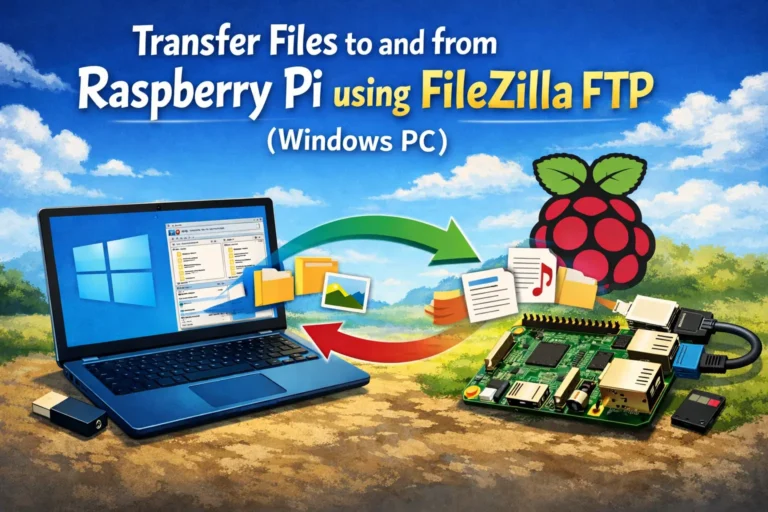
In this guide, you’ll learn how to transfer files remotely from your computer to a Raspberry Pi and vice-versa. We’ll be using FileZilla FTP (File Transfer Protocol) Client to establish a remote connection over the internet to transfer files between…
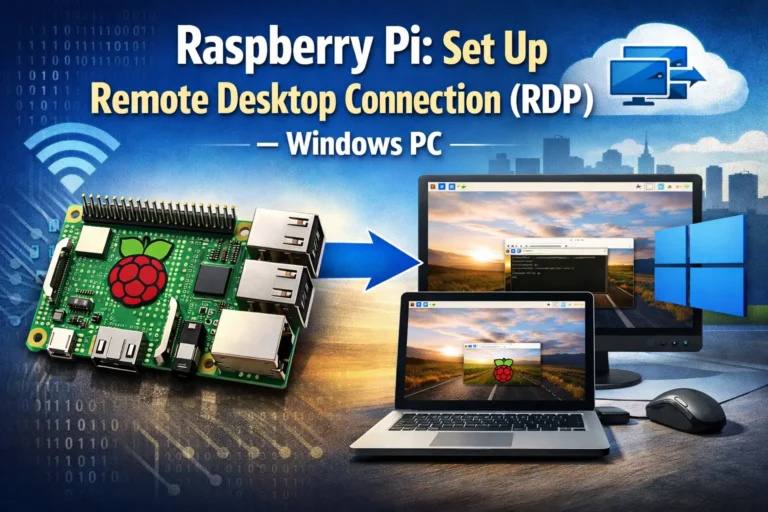
This guide shows how to set up a Remote Desktop Connection with a Raspberry Pi using RDP on a Windows PC. The Remote Desktop Protocol (RDP) is the proprietary network protocol developed by Microsoft to connect to a remote desktop…
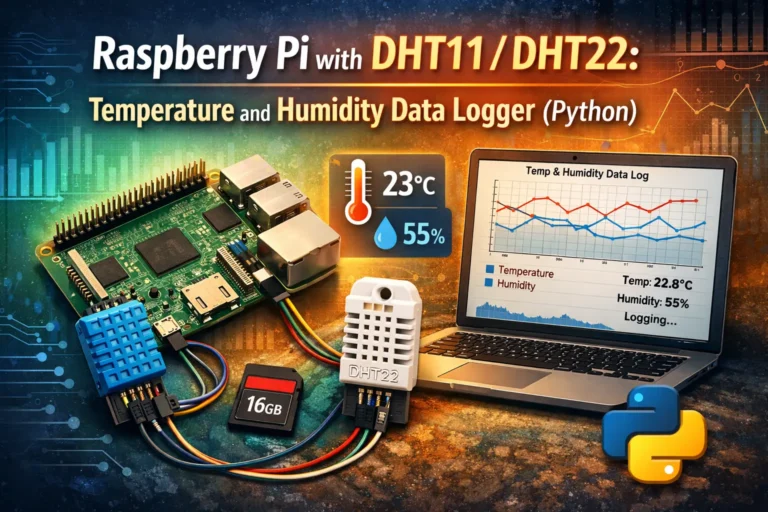
In this project, you’re going to build a data logger with the Raspberry Pi and the DHT11/DHT22 sensor that automatically stores temperature, humidity, and the corresponding timestamp on a .txt file. This project gives you the basics of data collection, which is…
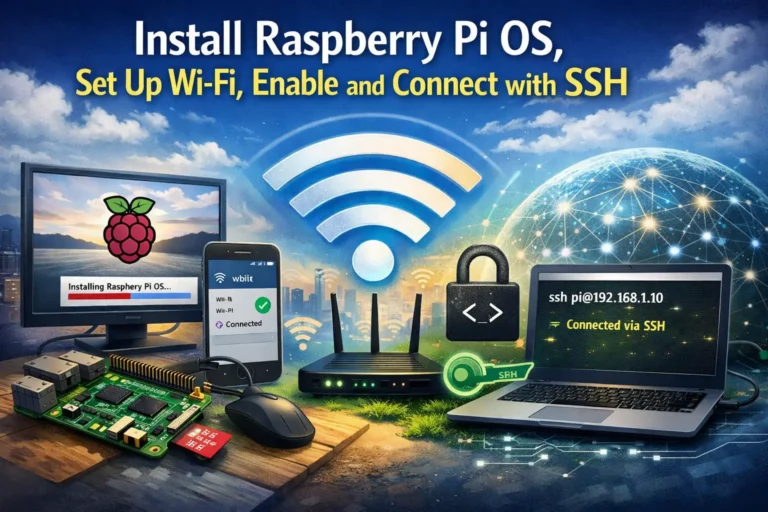
In this tutorial, you’ll learn how to get started with the Raspberry Pi by installing the operating system, setting up Wi-Fi, and enabling and connecting with SSH. You can configure everything without the need for an extra monitor, keyboard, or…
In this guide, you’ll learn how to easily control outputs with the Raspberry Pi GPIOs based on the time of day. We’ll program the Raspberry Pi using Python and the gpiozero library. We’ll create a program that automatically turns on and off…
Learn how to interface the Raspberry Pi with the DS18B20 temperature sensor and how to get temperature readings using a Python program. Prerequisites Before proceeding with this tutorial, please verify the following prerequisites. Introducing DS18B20 Temperature Sensor The DS18B20 temperature sensor is…