Book Categories:


Wait, don't go!
Become a Member Today and Unlock Access to All eBooks!
Thousands of eBooks at your fingertips. Read, learn, and grow anytime, anywhere.
Become a Member Today and Unlock Access to All eBooks!
Thousands of eBooks at your fingertips. Read, learn, and grow anytime, anywhere.
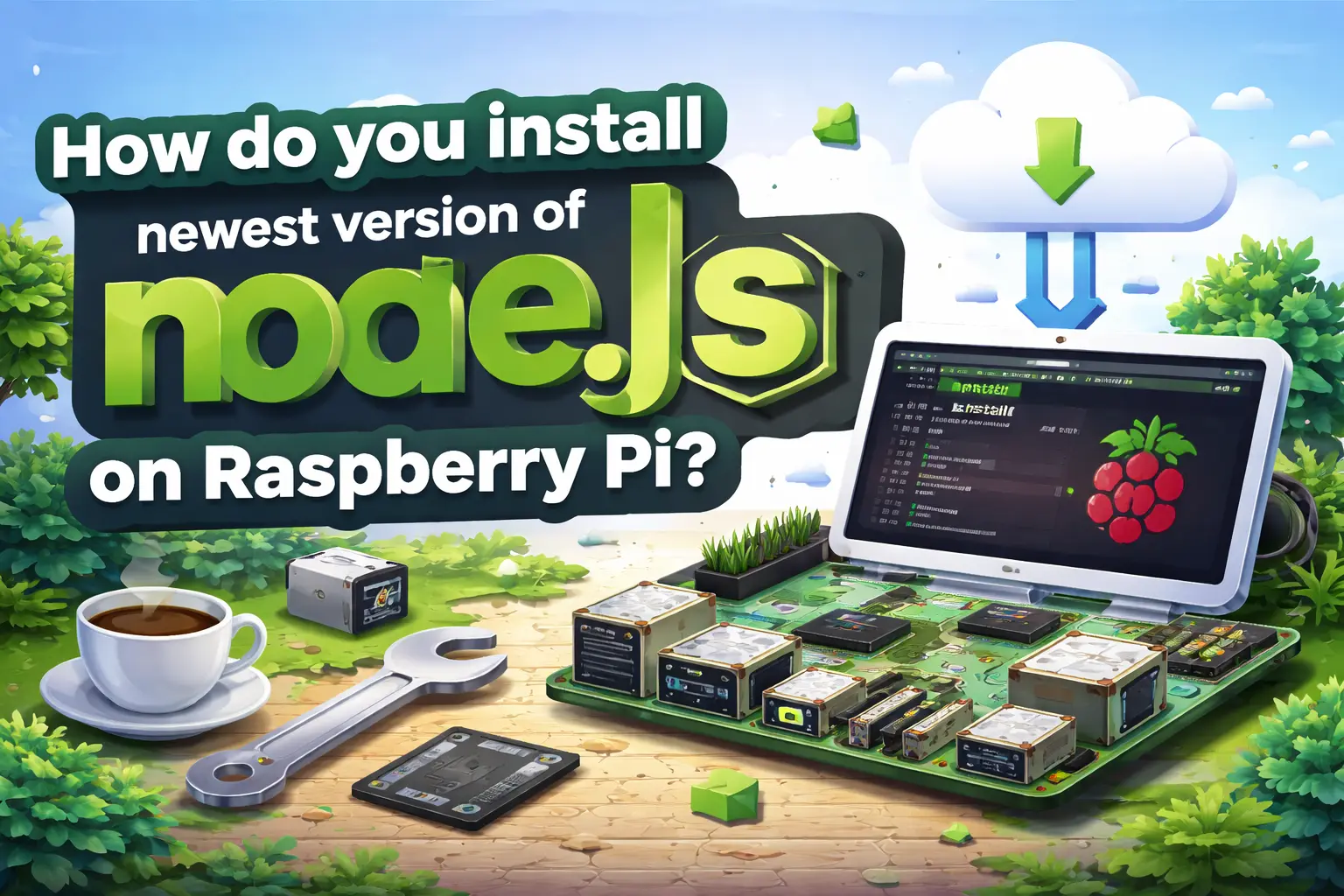
This is just a quick blog post explaining how you can install the latest version of Node.js in your Raspberry Pi.
It’s really easy, and you can install Node.js with two simple commands in your terminal. Since I’ve spent a lot of time searching for the easiest way of installing the latest version, I’ve decided to share how to do it.
First, you must be running the latest version of Raspbian on your RPi. If you don’t know how to prepare your Pi, you can read my Getting Started with Raspberry Pi Guide.
Having an Internet connection established to your Raspberry Pi, open your terminal window. Type the following commands:
wget http://node-arm.herokuapp.com/node_latest_armhf.deb
sudo dpkg -i node_latest_armhf.deb
Now, to ensure that your Raspberry Pi has Node.js installed, type the following command:
node -v
Top 6
Raspberry Pi eBooks
From Zero to Professional
The preceding command should prompt you with the version of Node.js. And that’s it!
Thanks for reading. If you like this post, you might like my next ones, so please support me by subscribing to my blog and my Facebook Page.
🚀 Discover the world of electronics and innovation!
✨ Create, program, and experiment with all your creative ideas with ease.
🔥 Don't wait! Browse SpotPear products now and start your amazing project!